
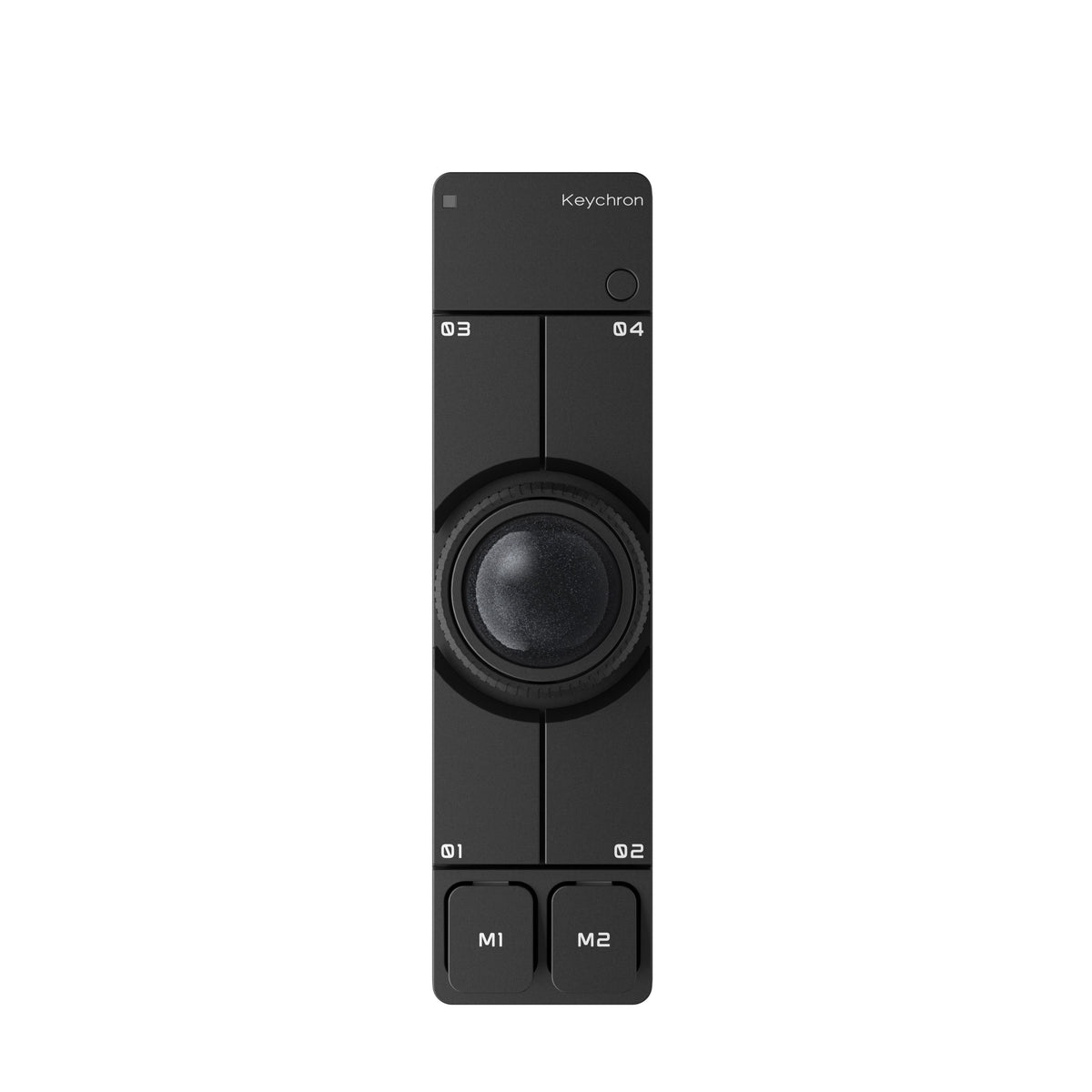
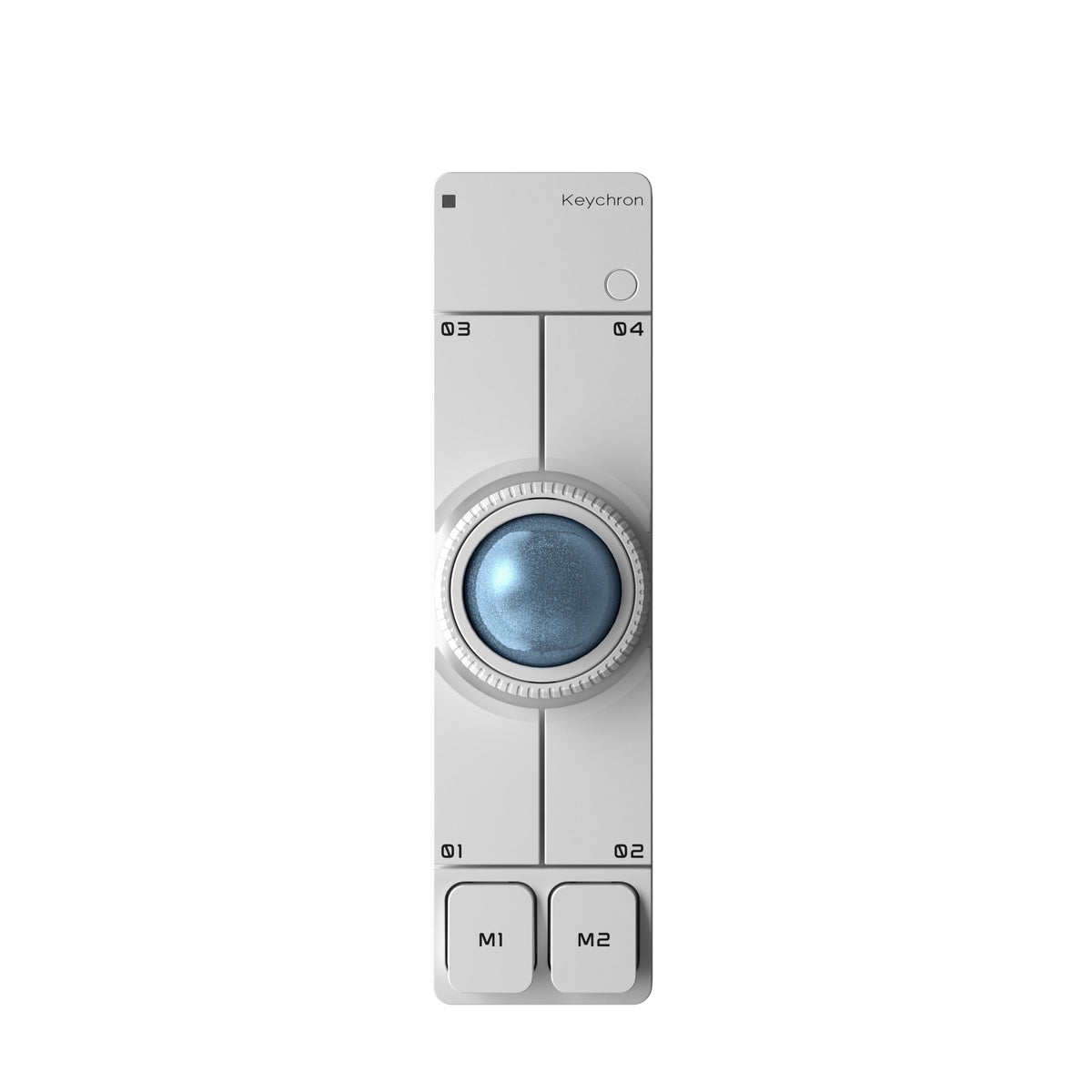







Keychron Nape Pro Wireless Track Ball Mouse
Keychron Nape Pro Wireless Track Ball Mouse
Keychron Nape Pro Wireless Trackball Mouse
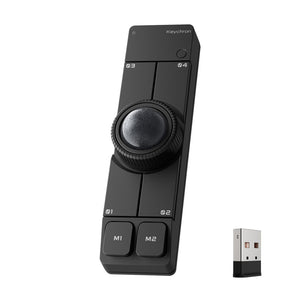
Recognized with the Best of CES 2026 – Best Mouse award from Tom's Hardware! Co-developed with Gizmodo Japan, the Keychron Nape Pro is designed to sit below or beside your mechanical keyboard. Working like a trackpad, it minimizes hand movement for cursor navigation and keeps you seamlessly in your flow.

Adaptable Control for Any Setup
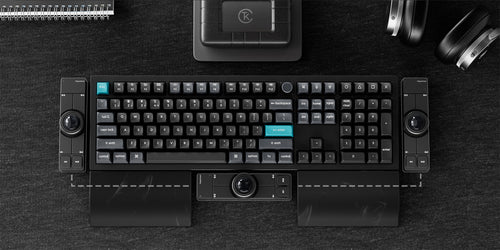
Keyboard Companion

Left-Hand Friendly

Macro Control Device

Presentation & Media

Built for the Space Below Your Keyboard
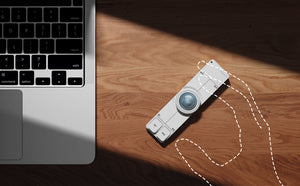
Designed to sit right below your spacebar, Nape Pro transforms the front edge of your keyboard into an active control area. Instead of placing the mouse beside your keyboard, it reclaims unused space and turns it into a compact, keyboard-integrated input zone.
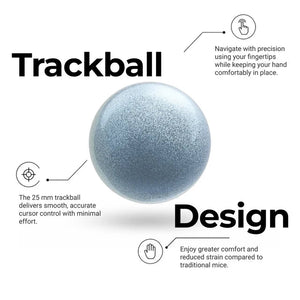
With thumb-based trackball control, navigation stays within your natural typing range — allowing precise cursor movement without lifting your hand or switching input devices.

Less Reaching. More Flow.
With core cursor control placed within your natural typing range, Nape Pro keeps your hands anchored around the keyboard area. Cursor movement, scrolling, clicks, and shortcuts happen without leaving your typing position, creating a more continuous and efficient workflow.
This reflects an inclusive control design approach: instead of requiring users to adapt to the device, Nape Pro is engineered to adapt naturally to how people work across different setups.

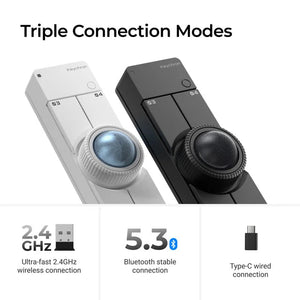
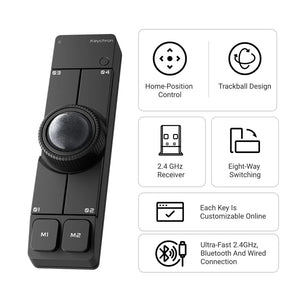
2.4 GHz, Bluetooth & USB-C Wired
Seamlessly switch between 2.4 GHz wireless, Bluetooth, and USB-C wired modes to fit various devices and workspaces:
• 2.4 GHz: Low-latency wireless control for desktop setups.
• Bluetooth 5.3: Flexible connectivity for laptops, tablets, and multi-device workflows.
• USB-C Wired: Stable control with plug-and-play charging capability.

Your Shortcuts, Right at Your Fingertips
Configure each button to execute exactly what your workflow demands: mouse clicks, keyboard shortcuts, layer switching, or complex multi-step macros.
From back and forward to copy, paste, undo, and app switching, your most-used actions are always ready under your fingertips.

One Dial. More Ways to Control.
Scroll pages, zoom in, scrub timelines, or adjust volume effortlessly. The programmable control dial adds fast, intuitive control to everyday tasks.
Working alongside the trackball and 6 custom buttons, it forms a compact, keyboard-first command center for your desk.
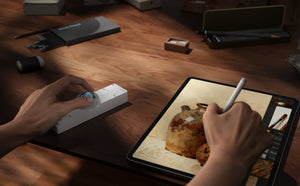
OctaShift 8-Angle Support: Place It Your Way, Control It Naturally
With OctaShift, Nape Pro adapts to your natural working posture. Place it horizontally below your keyboard, vertically between split keyboards, diagonally on either side, or next to a drawing tablet. Its 8-angle rotation support keeps cursor tracking intuitive and natural regardless of orientation.

Fits Small Spaces. Works Quietly.
No mousepad required, no wide arm movements, and no distracting clicks. Nape Pro stays stationary in a compact footprint while the trackball handles cursor movement.
Silent switches allow you to work comfortably and quietly in offices, shared studios, or late at night without disturbing others.

Deep Customization on Keychron Launcher
Powered by open-source ZMK firmware and fully supported by the web-based Keychron Launcher app.
Remap buttons, assign custom shortcuts, and build complex macros without installing software. All custom profiles are saved directly to onboard memory, taking your personalized workflow anywhere.
What's In The Box

Technical Specifications
| Product Name | Keychron Nape Pro Wireless Trackball Mouse |
|---|---|
| Connectivity | 2.4 GHz Wireless / Bluetooth 5.3 / USB-C Wired |
| Firmware Architecture | Open-Source ZMK Firmware (Onboard Memory Built-In) |
| Driver Software | Keychron Launcher Web App (Browser-Based) |
| Primary Controls | Thumb Trackball + Programmable Control Dial |
| Programmable Buttons | 6 Programmable Silent Switches |
| Orientation Calibration | OctaShift 8-Angle Multi-Directional Support |
| System Compatibility | macOS / Windows / Linux / iOS / Android |